Your own planet
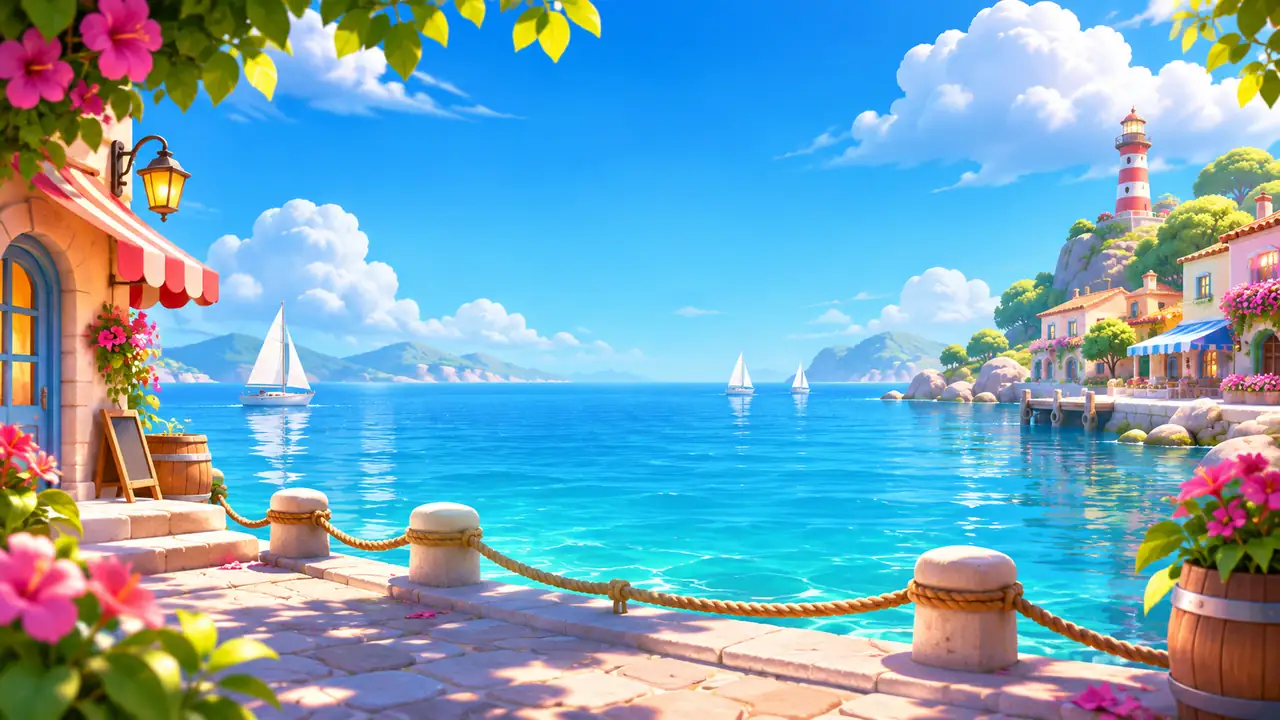
Create a planet, build it up and decide what challenge visitors will face.

Unlock your planet
- Finish the first 60 campaign levels. This opens the portal, the planetary systems and other players' worlds.
- Reach player rank 14. Rank is a different counter from your campaign level.
- Open the portal, choose to create a planet, give it a name and confirm the cost of 5,000 coins. You start with a tier-1 house.
Construction and production progress on your own planet is saved on your device and synchronized with your account when you reconnect. Trading with other players and online visits require a connection. The confirmation in the game always shows the current price and requirements.
From plans to buildings
A blueprint needs fragments 1, 2, 3 and 4; four copies of the same fragment do not complete it. You uncover fragments in levels, find one a day in Marathon and one in races, and can look for missing pieces on the player market.
- Open Build. Buildings and decorations are sorted into categories, and each card shows its fragments and whether it is placed or stored.
- Choose a free spot on the planet. Its outline shows where the building will stand.
- Confirm the cost and time. A blueprint coupon can cover the design; the builders still charge for their work. The team builds one thing at a time.
House, buildings and stars
The house has five tiers and other buildings have three. Upgrades need coins, the required player rank and the conditions below.
| House tier | Stars | Finished buildings |
|---|---|---|
| 2 | 240 | 2 |
| 3 | 320 | 4 |
| 4 | 420 | 6 |
| 5 | 520 | 8 |
Building tier 2 needs 280 stars and a house of at least tier 2; tier 3 needs 420 stars and a house of at least tier 3. Stars are a requirement, not a currency: upgrading does not spend them.
Buildings
A building can add obstacles or helpers to visits and produce items. You can place one building of each type on a planet.
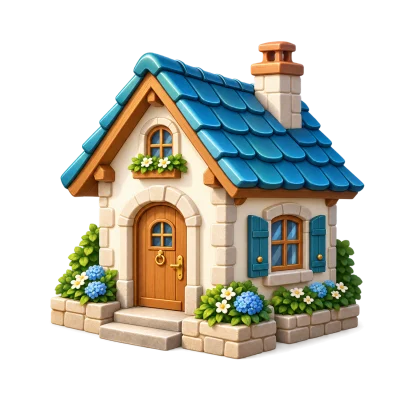 House
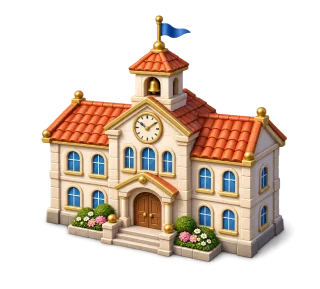 School
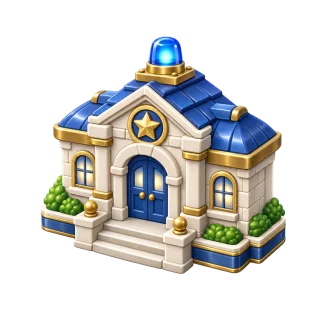 Police station
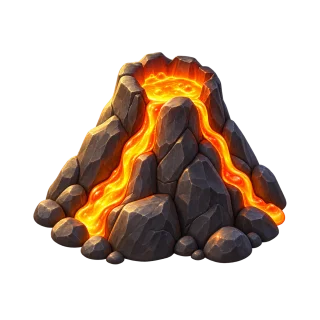 Volcano
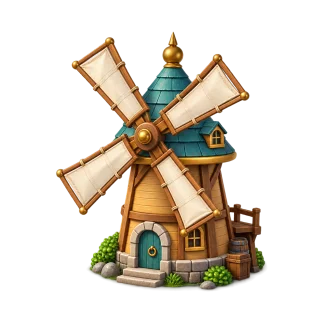 Windmill
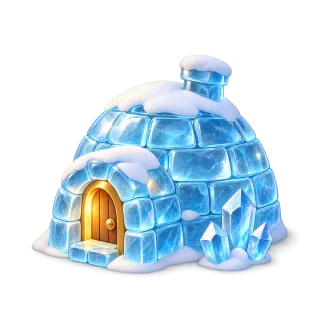 Ice house
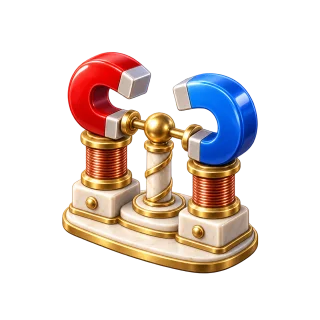 Magnet tower
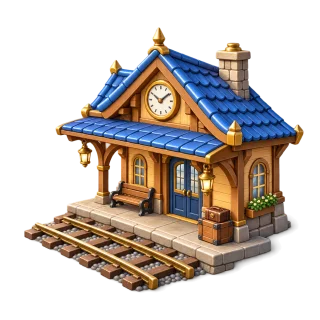 Supply station
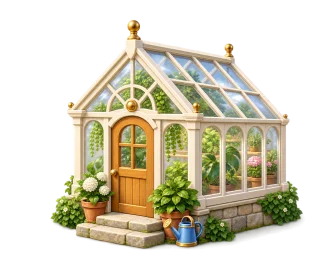 Greenhouse
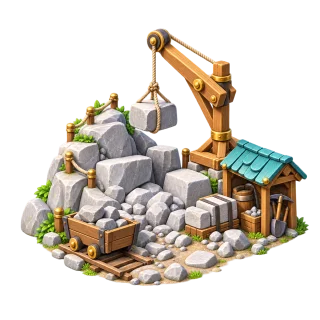 Quarry
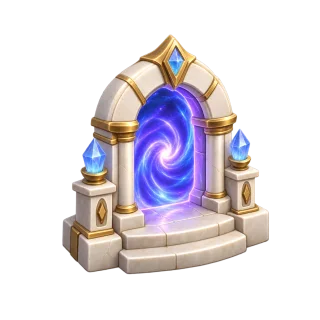 Portal gate
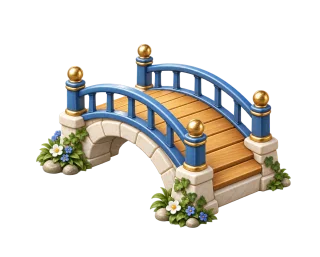 Bridge
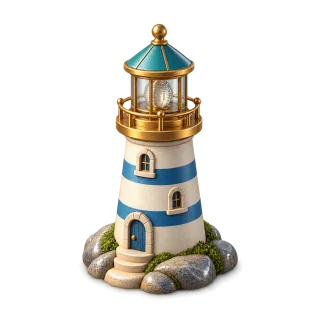 Lighthouse
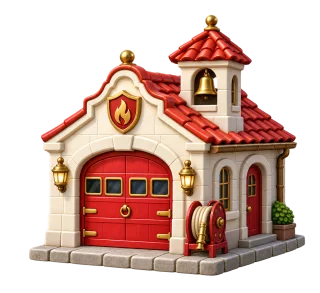 Fire station
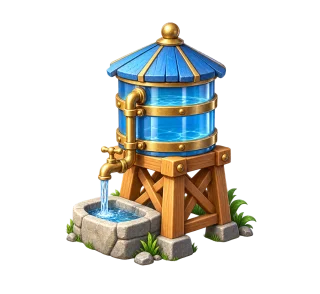 Water tower
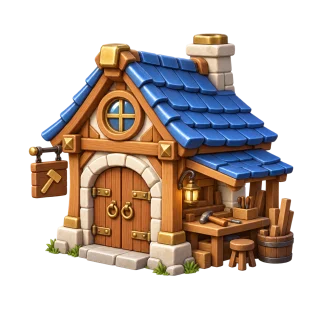 Workshop
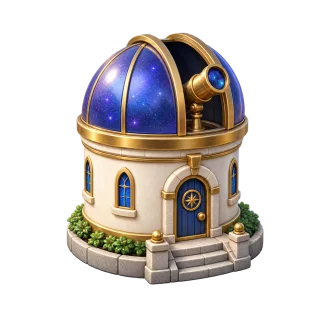 Observatory
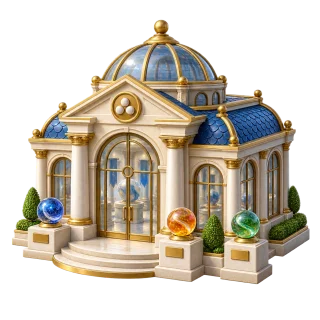 Glass museum
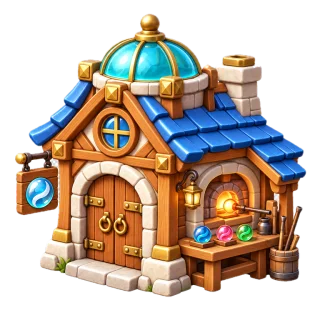 Glass workshop
Production
Finished items wait in the building until you collect them in Production; make room in your backpack first if it is full. Tiers 1, 2 and 3 store 1, 2 and 3 finished items, and a cycle takes 100%, 80% and 65% of the base time.
Production pauses during upgrades and when the store is full. The glass workshop is different: it creates marble looks rather than items.
Hire a permanent team
In Production you can hire up to three workers for a building. Each makes production faster: one by 10%, two by 20%, three by 30%. They speed up the cycle; they do not enlarge the store.
Each hire is a one-off coin purchase with its price shown before you buy. The team is permanent and stays after moving, packing and starting over. A 12-hour cycle takes about 10 hours 55 minutes with one worker and about 9 hours 14 minutes with three.
Set the challenge for visitors
Open Rules and choose what visitors will face: either modern obstacles (up to three types, unlocked by your buildings' tiers and limited by the house budget) or classic hazards (up to two). Helpers, up to three, can join either system.
Play a practice run to check that the challenge is fun before visitors try it.
The reward fund
The fund pays visitors' prizes. Part of it may be reserved for visits in progress; only the rest can be withdrawn. All amounts are in-game coins.
- If the visitor wins, they receive the prize shown, which already includes their entry. The owner covers the difference from the fund.
- If the visitor does not finish the challenge, the owner receives the entry minus the system fee. This is not guaranteed income.
Practice on your own planet is free and has no coin prize. A school lets visitors practise too.
Make your own glass
The glass workshop changes how marbles look on your planet. Choose a slot in your planet palette and unlock a recipe with the materials and coins shown; once unlocked, you can use it again for free.
- Tier I: your first colours and the basic ribbon pattern.
- Tier II: wave, orbits, spiral and petals.
- Tier III: constellation, comet and zigzag, plus two-colour variants.
Ground, water and decorations
Ground: choose the ground under each building, such as sandstone paving, terracotta brick or golden sand. Your first material is free; each extra one is unlocked once for your account, and after that you can switch for free.
Water: place ponds close to each other and they join into one larger lake. Blue points show where they will join; a pond cannot be placed on top of another one. When something does not fit, the red outline tells you why.
Decorations and moving: decorations have their own spots. Tap any object to move it or pack it into storage, so you can rearrange the planet without buying the same building again.